

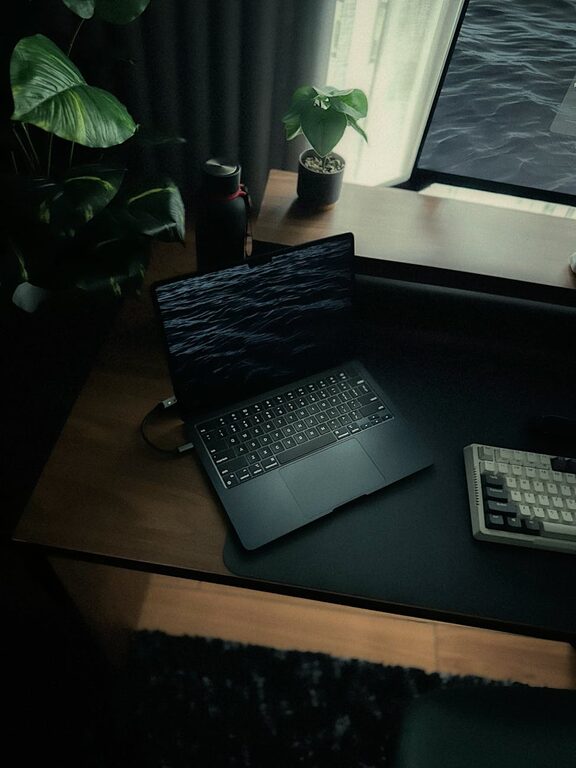
Creating a home office that is both comfortable and productive is essential for anyone working remotely or spending significant hours at home. A well-designed workspace can improve focus, reduce stress, and make your workdays more enjoyable. Whether you have a dedicated room or a small corner, these tips will help you optimise your home office environment.
Choose the Right Location
Selecting the right spot for your home office is the first step to comfort and productivity.
– Natural Light: Position your desk near a window if possible. Natural sunlight boosts mood and energy levels.
– Minimal Distractions: Pick a quiet area away from household noise and interruptions.
– Space Considerations: Ensure enough room for your desk, chair, and storage without overcrowding.
Invest in Ergonomic Furniture
Comfort is key when you spend hours at a desk. Poor ergonomics can lead to discomfort and health issues.
– Chair: Choose an adjustable chair with good lumbar support. It should promote good posture and reduce strain on your back.
– Desk Height: Your desk should allow your elbows to rest at a 90-degree angle while typing.
– Monitor Placement: Keep your computer screen at eye level to avoid neck strain.
Keep Your Workspace Organised
A cluttered desk can negatively impact your focus and motivation. Organising your space helps maintain clarity and efficiency.
– Use Storage Solutions: Shelves, drawers, and organisers can store documents and supplies neatly.
– Daily Tidy-Up: Spend a few minutes each day clearing your desk to start fresh.
– Digital Organisation: Keep files and emails organised on your computer to complement your physical space.
Personalise Your Environment
Adding touches that reflect your personality can make your workspace inviting.
– Decor: Use artwork, plants, or photos that inspire and relax you.
– Colours: Soft, calming colours like blues and greens can improve concentration.
– Comfort Items: Keep a cushion or a blanket nearby for added comfort during long work sessions.
Manage Lighting Effectively
Proper lighting reduces eye strain and keeps you alert.
– Natural Light: As mentioned, it’s ideal, but avoid screen glare.
– Task Lighting: Use adjustable desk lamps to illuminate your work area precisely.
– Ambient Lighting: Balance overhead lights to create a pleasant atmosphere without harsh shadows.
Set Boundaries to Improve Work-Life Balance
Working from home means your office space should help you separate work from personal life.
– Dedicated Workspace: Avoid working from your bed or sofa to maintain boundaries.
– Defined Work Hours: Establish a routine and stick to your working times.
– Signalling: Use signals like a closed door or headphones to indicate when you shouldn’t be disturbed.
Incorporate Technology Wisely
Reliable technology supports productivity and comfort.
– Equipment: Invest in a good quality keyboard, mouse, and headset.
– Connectivity: Ensure a strong internet connection to avoid frustrating interruptions.
– Backup: Keep chargers and spare cables accessible.
Maintain Good Air Quality and Temperature
Your physical comfort goes beyond furniture and lighting.
– Ventilation: Open windows when possible or use air purifiers.
– Temperature: Maintain a comfortable room temperature—too hot or too cold can distract you.
– Plants: Houseplants can improve air quality and add a fresh feel.
Take Regular Breaks and Move
A comfortable home office invites you to work well but remember to take breaks.
– Stand and Stretch: Change your posture frequently to avoid stiffness.
– Eye Care: Follow the 20-20-20 rule—every 20 minutes, look at something 20 feet away for 20 seconds.
– Short Walks: Move around to stay energised and focused.
Final Thoughts
Designing a comfortable, productive home office is about creating a space that suits your needs and supports your work habits. Small adjustments in lighting, furniture, and organisation can make a big difference to your daily experience. Take the time to tailor your workspace thoughtfully, and you’ll likely find that your productivity and wellbeing improve hand in hand.